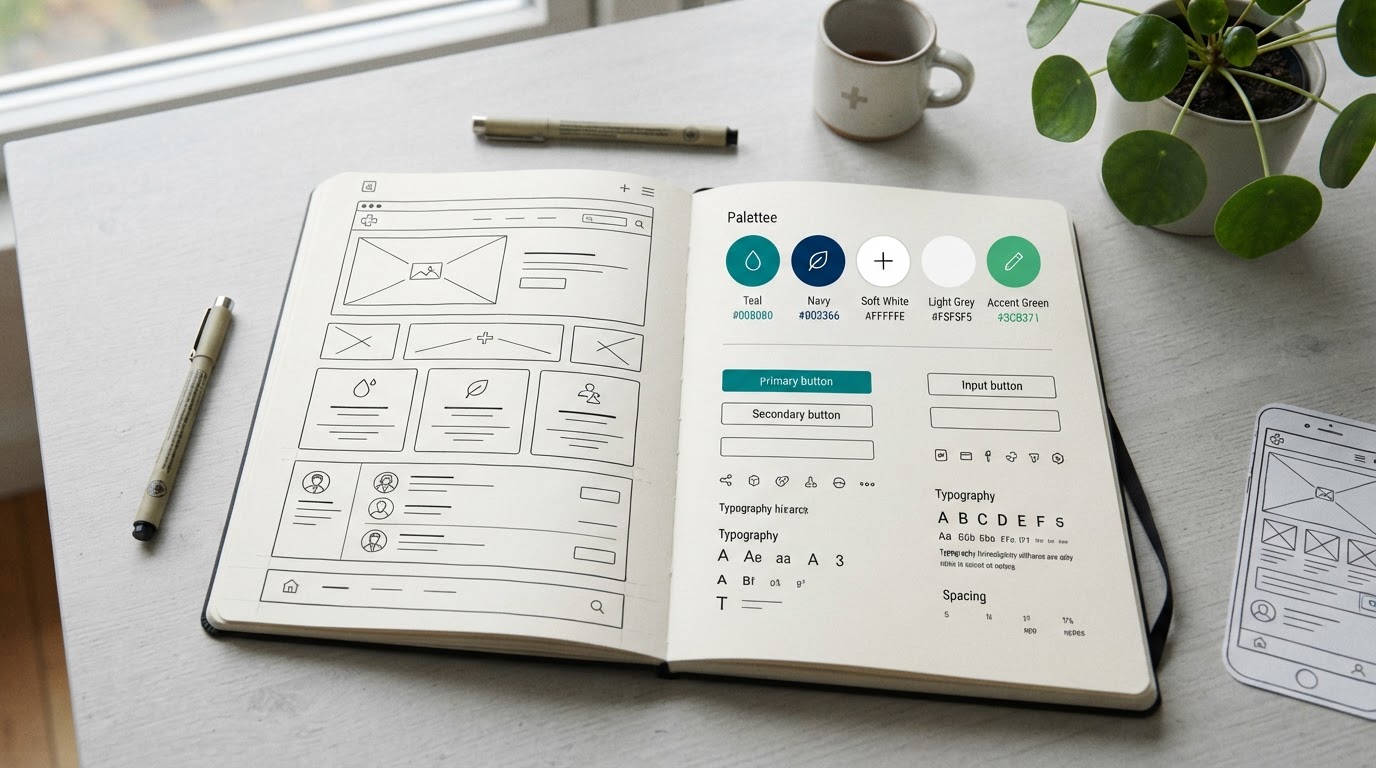
Medical Website UX Design: Creating Intuitive Patient Experiences
User experience (UX) design is the process of creating websites that are intuitive, efficient, and pleasant to use. For medical websites, good UX means patients can find information, understand services, and book appointments without frustration. Poor UX loses patients—confused visitors leave. Good UX converts visitors into patients. Our medical website design services prioritize UX.
Healthcare UX is unique. Patients are often anxious, seeking care, and not in the mood for complex navigation. They want to find what they need quickly and book easily. Good healthcare UX reduces anxiety and friction. The American Medical Association (ama-assn.org) emphasizes patient-centered care, which UX supports. The W3C (w3.org/WAI) provides accessibility standards that are part of UX.
Key medical website UX design principles include:
1. Clear Information Architecture: Organize your site logically—services, locations, providers, about, contact. Patients should find what they need in seconds. Clear information architecture prevents confusion. See our medical website design services.
2. Intuitive Navigation: Use clear, simple navigation. Avoid complex menus that hide important pages. Patients should not have to think about how to navigate. Intuitive navigation reduces friction. See our medical website conversion guide.
3. Clear Calls to Action: Every page should have clear calls to action—schedule, call, learn more. Patients should always know the next step. Clear CTAs guide patients toward conversion. See our medical website conversion guide.
4. Fast Load Speed: Speed is UX. Slow sites frustrate users. Optimize for fast loading. See our medical website speed guide.
5. Mobile-First Design: Most patients are mobile. Design mobile-first—responsive, tap-friendly, readable. See our medical website mobile optimization guide.
6. Readable Content: Use readable fonts, sufficient contrast, and clear headings. Content must be easy to read and scan. See our healthcare content writing guide.
7. Accessible Design: Accessibility is UX for patients with disabilities. Ensure your site is WCAG 2.2 AA compliant. See our medical website accessibility guide.
8. Trust Signals: Build trust throughout—credentials, testimonials, reviews. Trust is essential in healthcare UX. See our patient reviews guide.
9. Minimal Form Friction: Appointment and contact forms should be as short as possible. Each field adds friction. See our interactive medical forms guide.
10. Clear Service Pages: Each service should have a dedicated, clear page with information patients need. See our medical website design services.
11. Easy Scheduling: Offer easy online scheduling. Scheduling should be effortless. See our medical website conversion guide.
12. Consistent Design: Use consistent design—colors, fonts, layout—across all pages. Consistency reduces cognitive load. See our healthcare branding consistency guide.
13. Test With Real Users: Test your site with real patients. User testing reveals issues assumptions miss. See our medical website design services.
14. Iterate Based on Data: Use analytics and user feedback to identify UX issues and improve. Data-driven UX improvement outperforms guesswork. See our medical practice analytics guide.
Medical website UX design creates intuitive experiences that serve patients and convert visitors. Practices that prioritize UX convert more patients and build loyalty. Explore our medical website design services, browse our portfolio, or request a free consultation to improve your website UX.
Frequently Asked Questions
Explore our services
Learn how we help medical practices grow with Medical Website Design.